

Collections
A collection is a list you put together, like “The best free tools”, with a line on why each one is there. Your site has a page for all your collections, and one for each. Three of them show on your homepage, and the menu links to them under Explore.
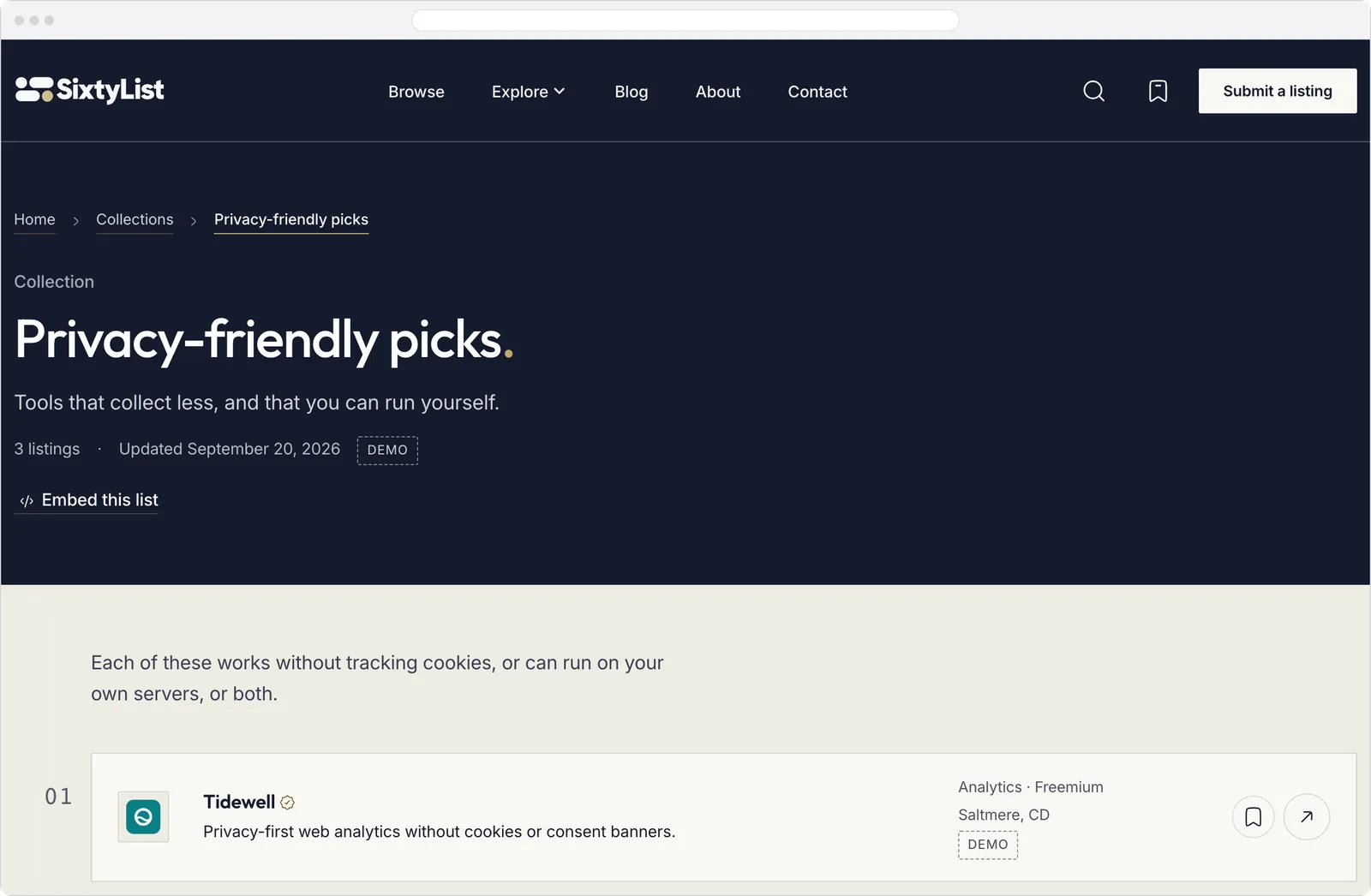
Make a collection
Section titled “Make a collection”- In the editor: Collections, then New.
- Title, and a one-line Summary.
- Intro (optional): a short paragraph on why these, and how you chose them.
- Listings: click Add for each one, choose it, and add Why it’s here (one or two sentences). They show in this order: drag to change it.
- Updated: today.
- Click Save. Your site updates in about 3 minutes.
To keep a collection off your site while you work on it, set its Status to Draft.
Collections can be turned off: Settings → Features → Collections.