

Editor’s picks and sponsored places
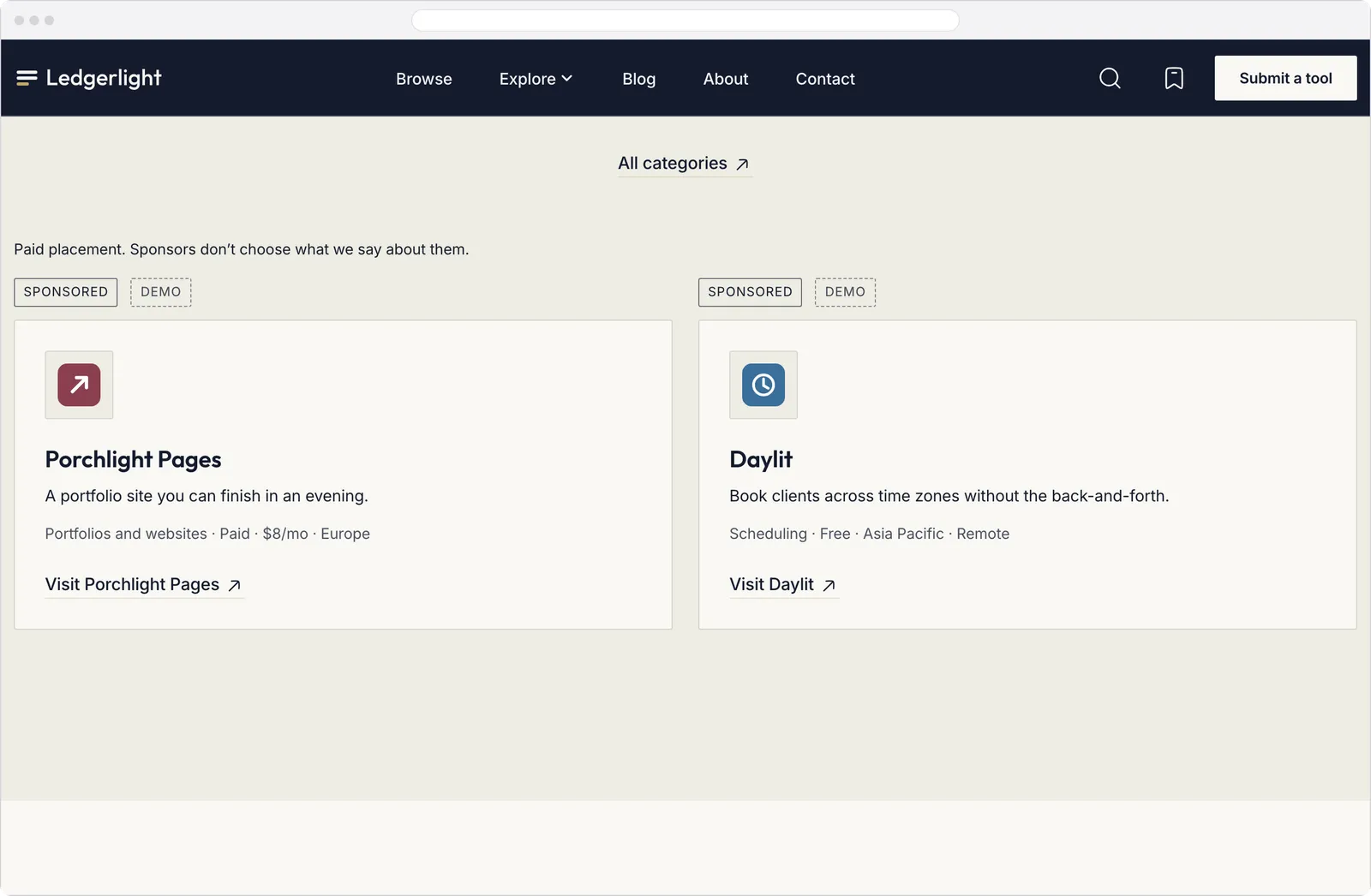
A placement puts a listing in a special spot, like the top of your homepage or of a category, between two dates.
- Editor’s pick: chosen by you, never paid for.
- Sponsored: paid for, always labelled “Sponsored”, with an end date. Several can share the homepage or a category’s top, side by side, taking turns at the front a day each: how many is the package’s Spots available (Sponsorships). A category’s “Sponsored by” line always names one.
Add a placement
Section titled “Add a placement”- In the editor: Placements, then New.
- Listing: the listing to show.
- Slot: where it shows: the homepage, the top of a category, or “Category sponsor” (a “Sponsored by” line at the top of a category). A listing in a category’s spot must be in that category.
- Kind: Editor’s pick or Sponsored.
- Start, and End (the last day it shows; needed for a sponsored one).
- For a sponsored one: the Package it was sold as.
- Publish it: Save (How a change goes live).
A placement starts and ends on its dates when your site rebuilds. Set up the daily rebuild so that happens each morning by itself.
A booking paid online
Section titled “A booking paid online”With sponsorship payments set up, a sponsor’s paid booking arrives as a placement waiting for you, on the Editorial Workflow board, under In Review. See Sponsorships → Approve a booking. One bought with a new submission waits on that listing instead (A submission with a paid sponsorship).