

What visitors get
Everything here is on to start with. Turn any of them off in Settings → Features (or its Advanced).
-
Search and filters: visitors search the whole directory, filter by your facts, and sort.
-
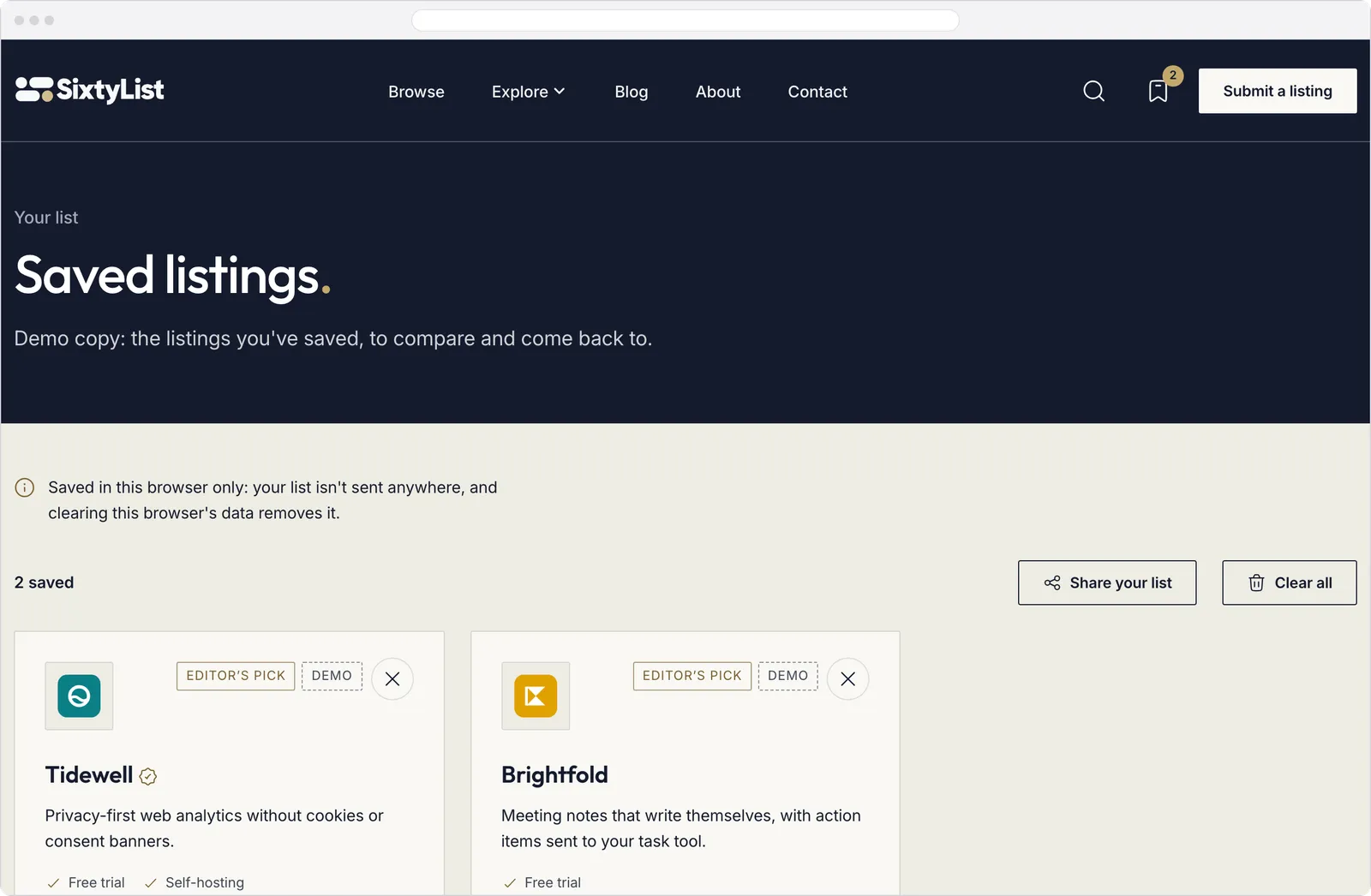
Saved listings: a save button on each listing, and a page of the ones a visitor saved. Kept in their own browser: nothing is sent to you.
-
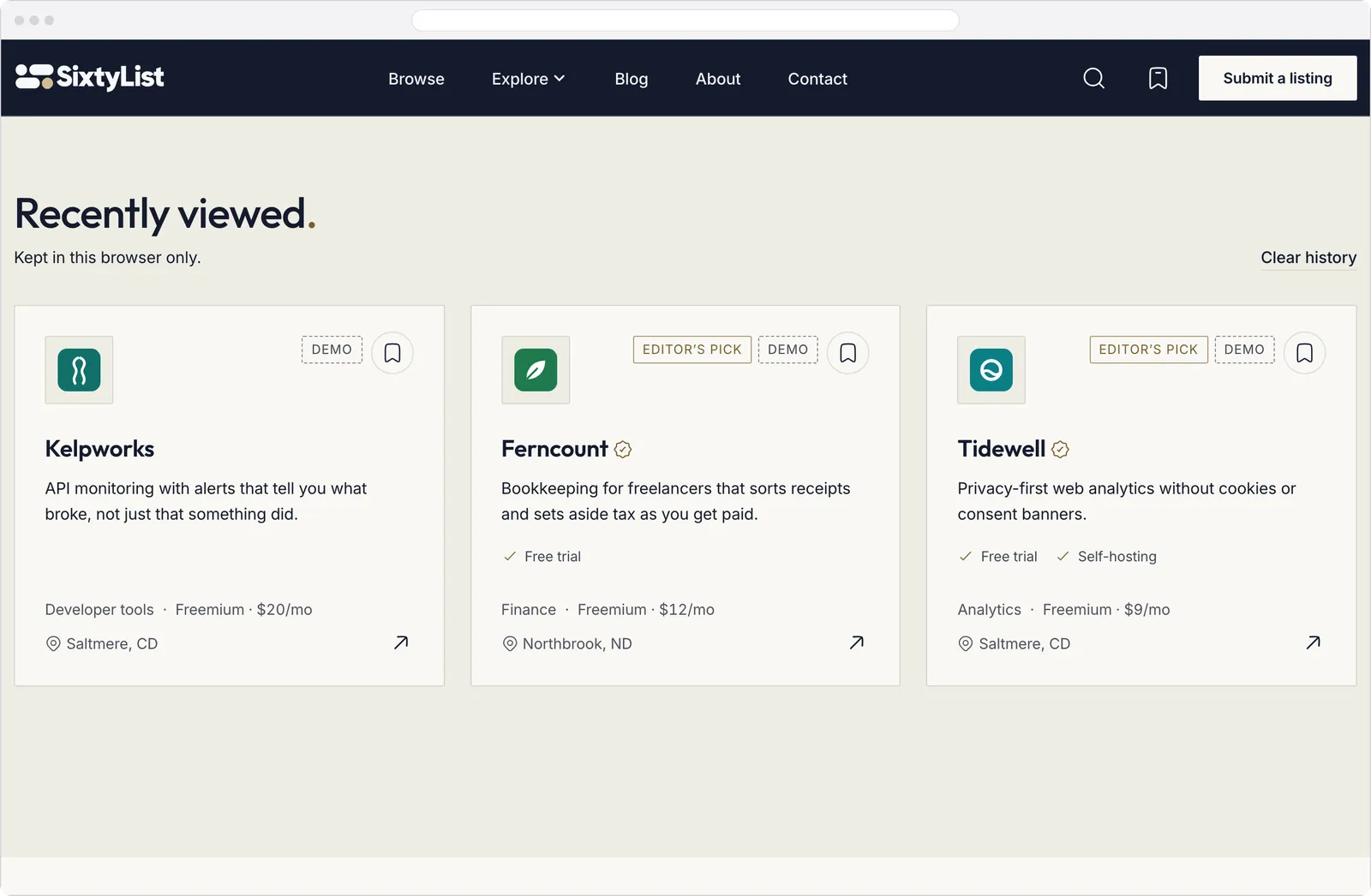
Recently viewed: the listings a visitor looked at last.
-
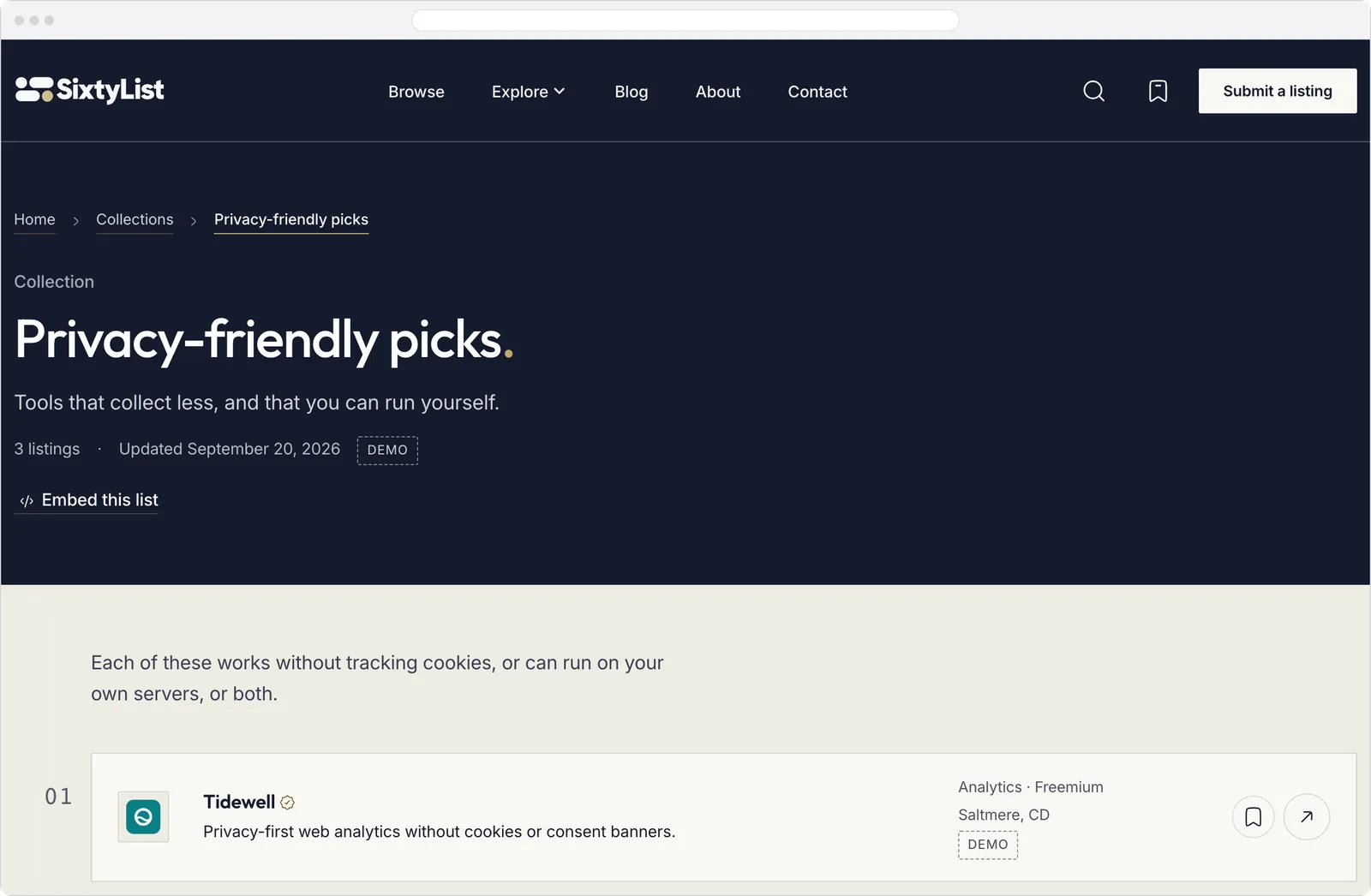
Collections: your own lists of favourites (Collections).
-
The quiz (“Find the right one”): a few questions that suggest listings.
The quiz, about 20 seconds. No sound: the captions say what’s happening. -
Recently added: a page of your newest listings.
-
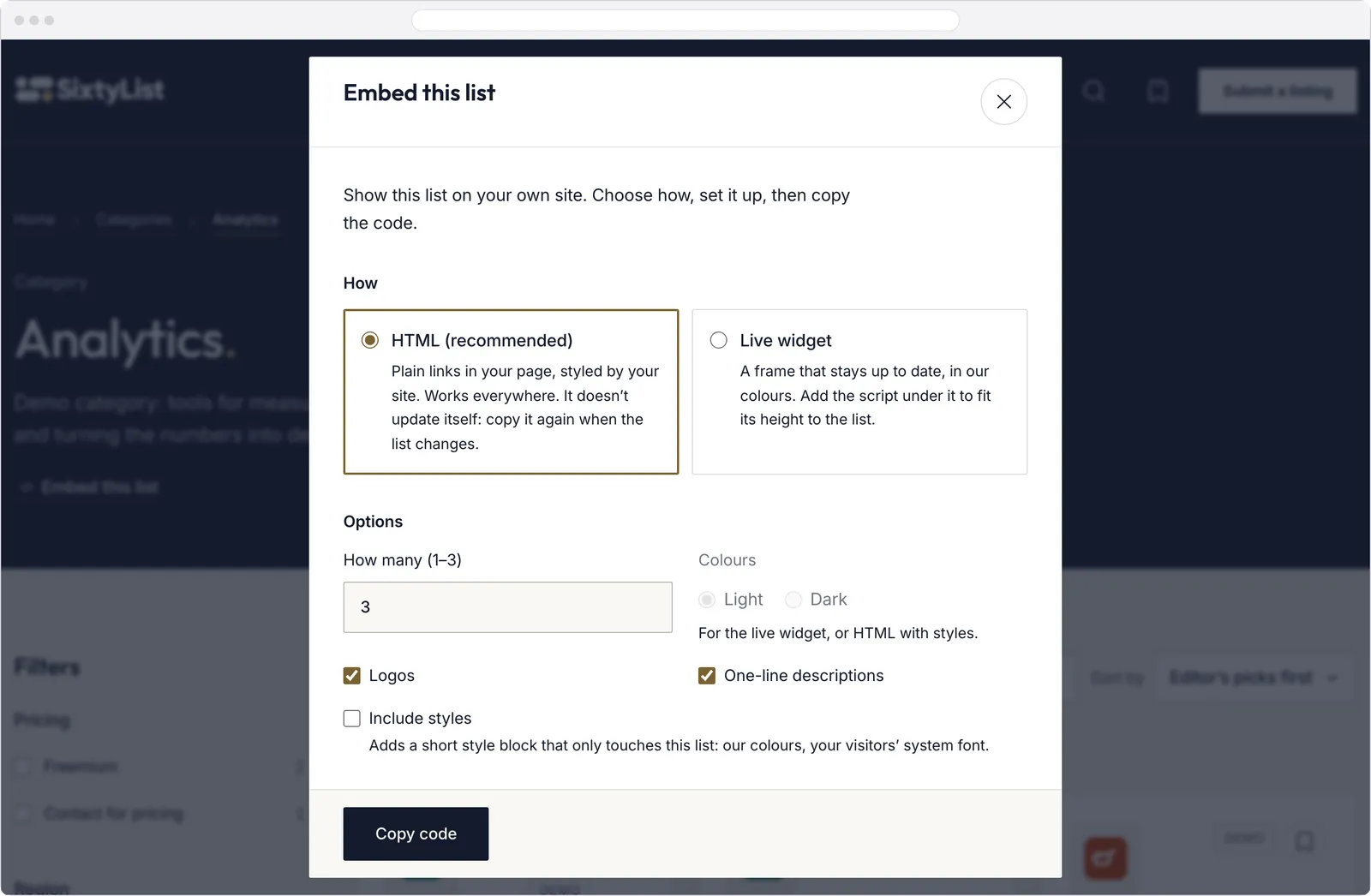
Embeds: other websites can show one of your listings or categories, with a link back to you. The live widget stays light: it sits on other people’s sites.
-
Feeds: for visitors who follow sites with a feed reader.
-
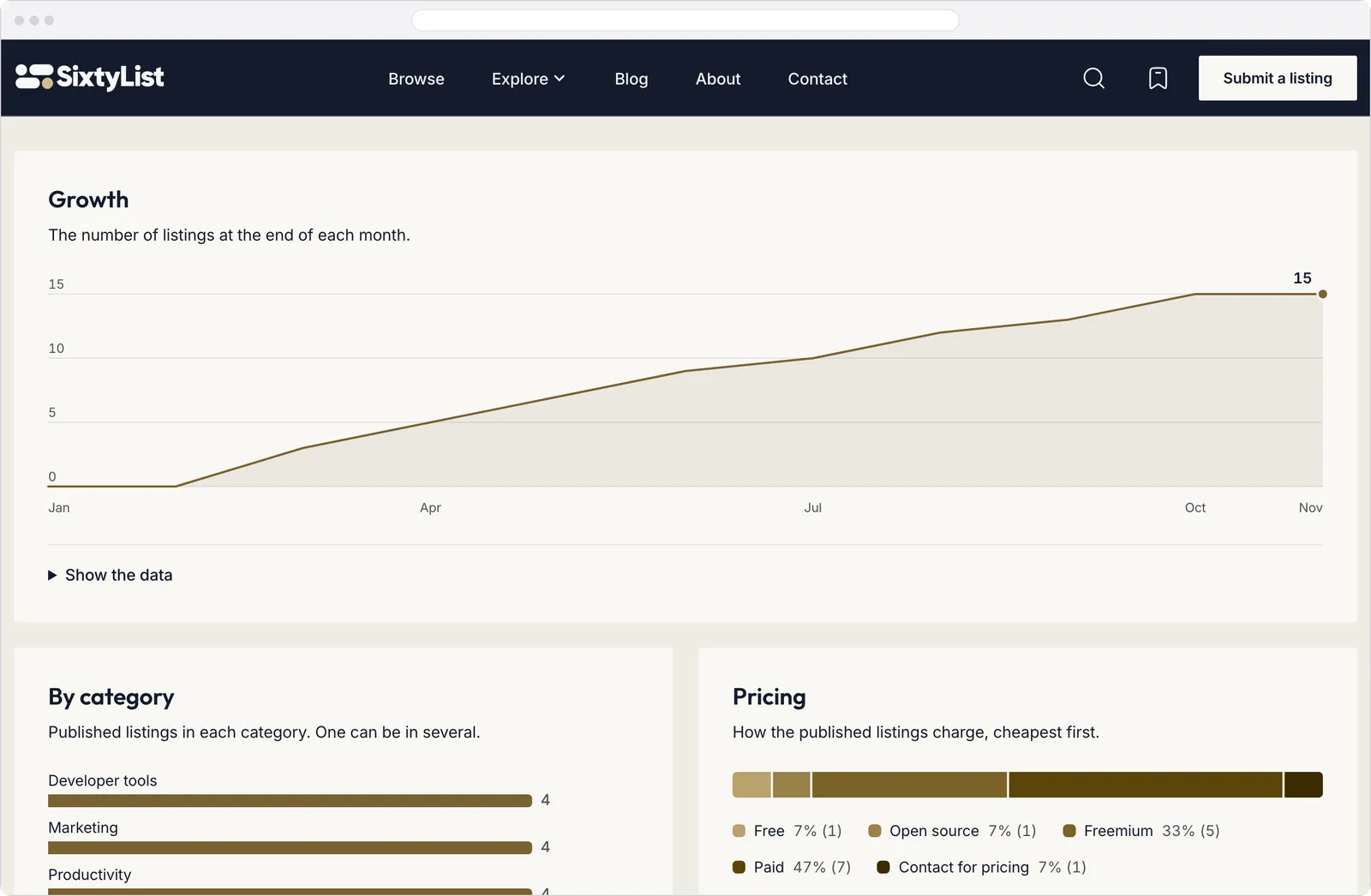
The annual report: a yearly page of numbers and charts about your directory.
-
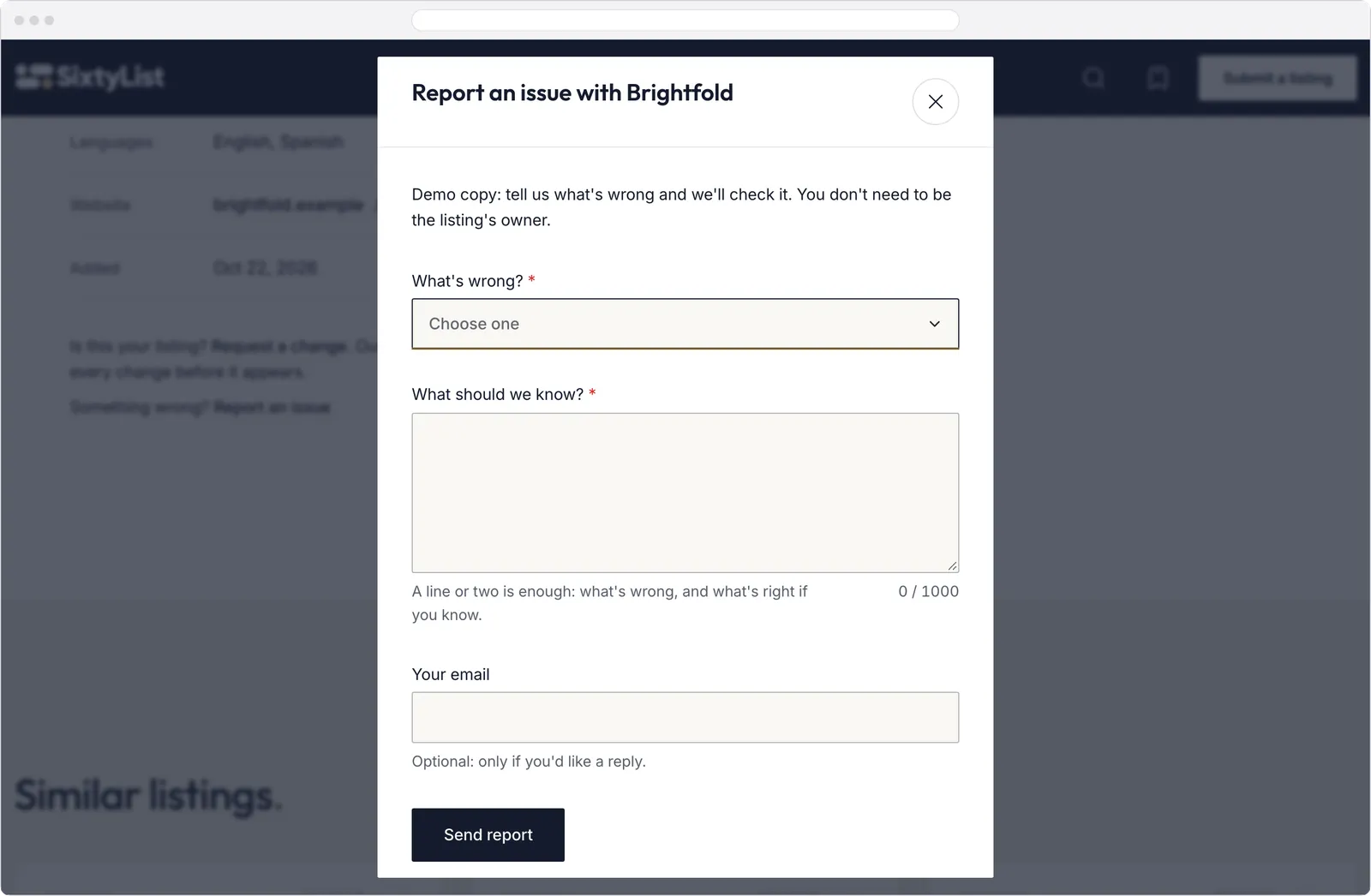
“Report an issue”: visitors tell you when a listing is wrong or out of date. It’s sent to your Contact form’s address.
-
Light and dark: a switcher at the top and bottom of every page; a visitor’s choice is kept in their own browser. Where they start is yours to choose: Settings → Your site → Default theme.